
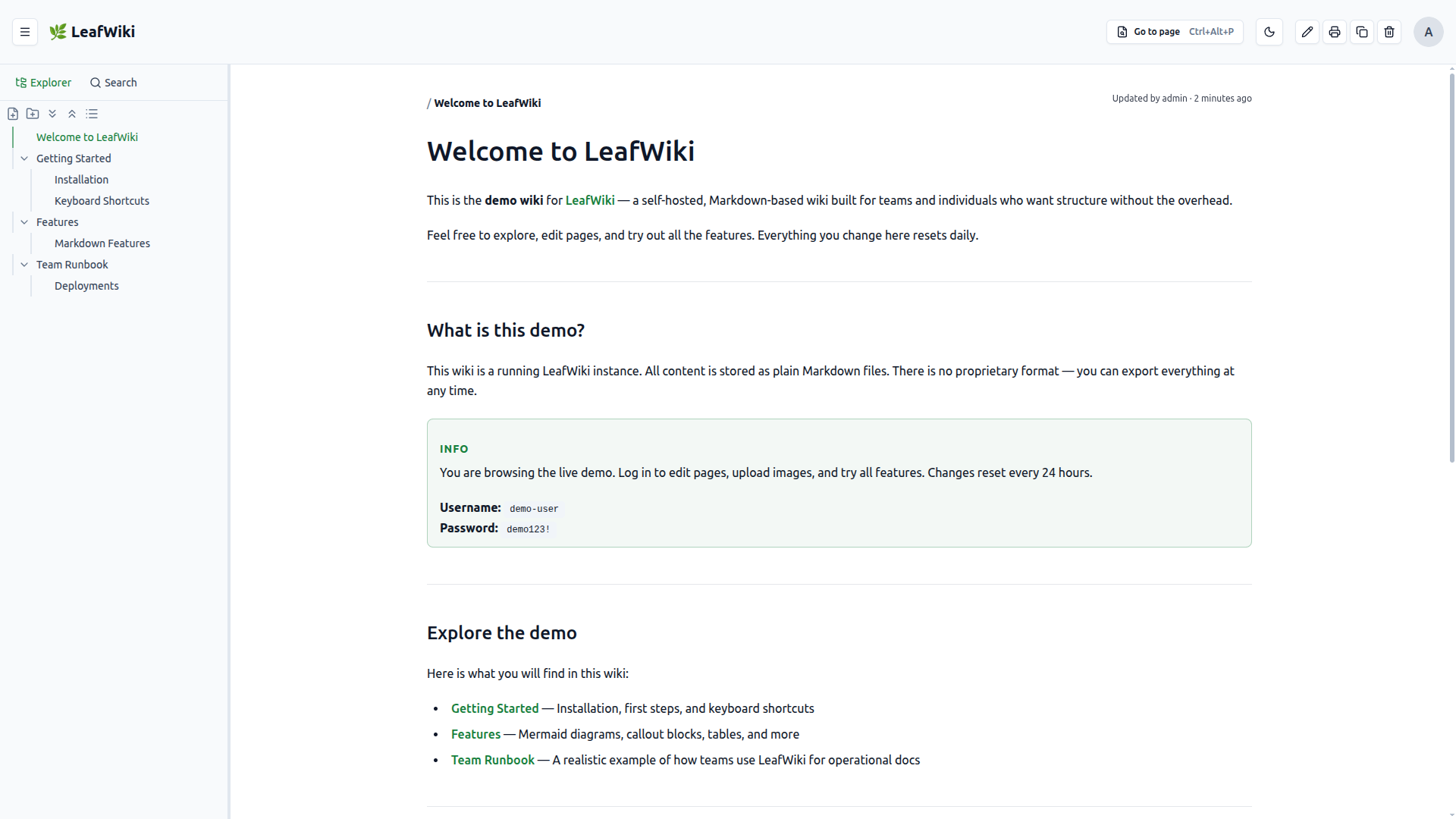
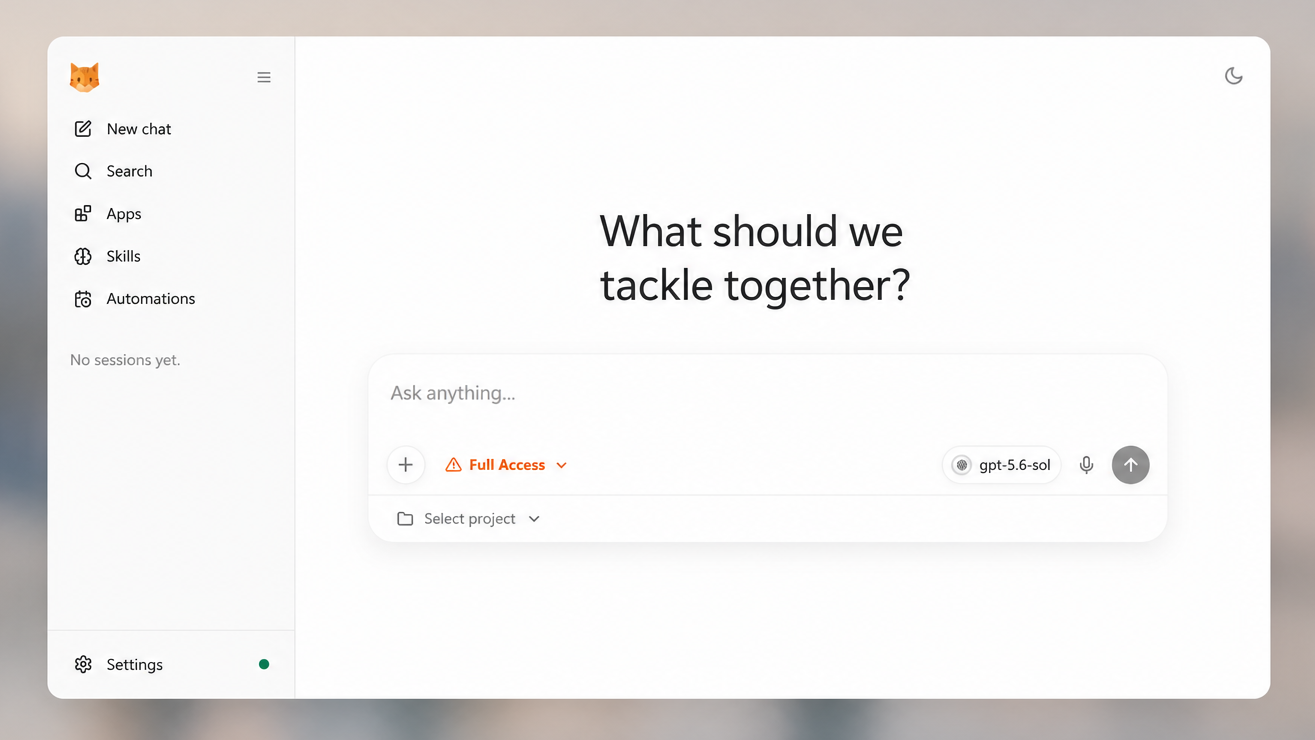
Claude Code
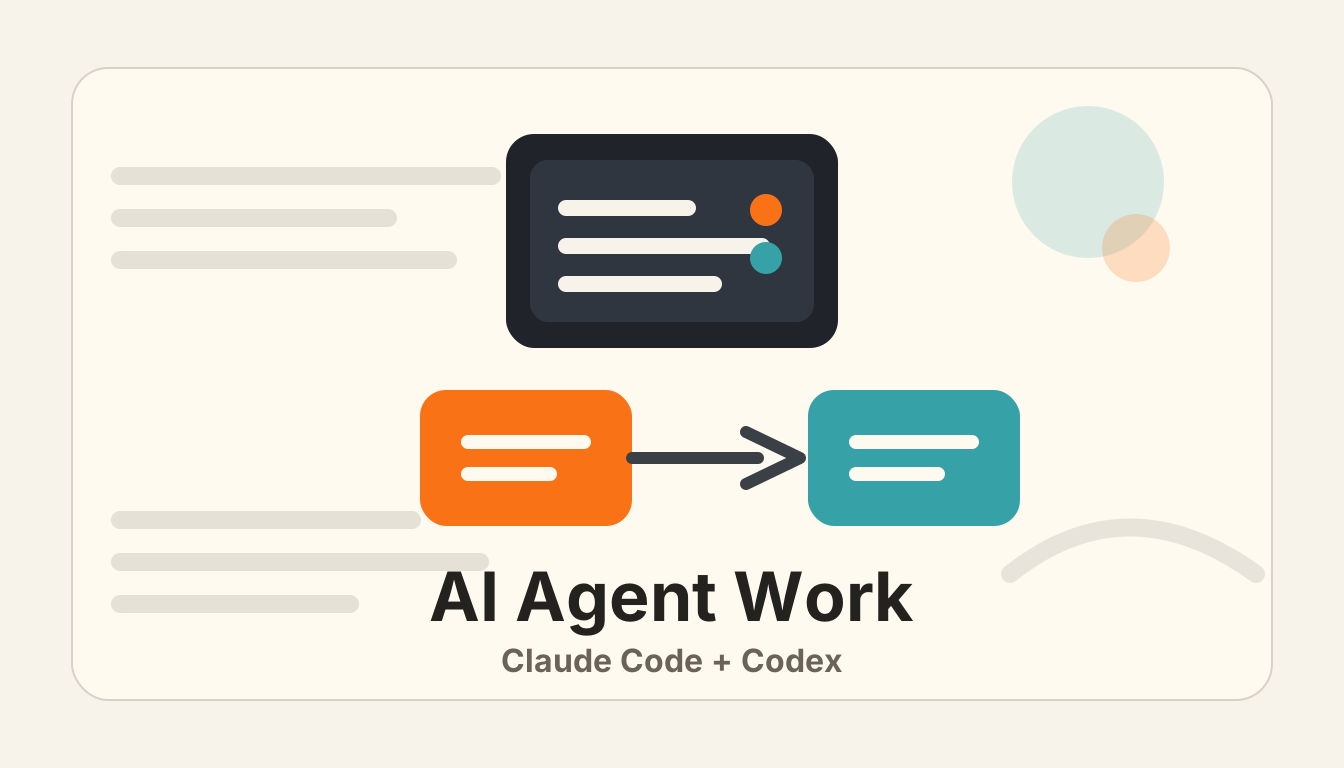
Claude CodeCodex

클로드 코드 - 비개발자편

참고자료

Claude Code 자료 모음

Claude Code 공식 문서

설치, 기본 개념, 공식 기능을 확인하는 첫 출발점입니다.

Best Practices

Claude Code를 안정적으로 쓰기 위한 공식 권장 흐름입니다.

CLAUDE.md와 메모리

루트 CLAUDE.md처럼 Claude에 프로젝트 규칙을 전달하는 공식 방식입니다.

How I Use Claude Code

실무자가 Claude Code를 작업 흐름에 붙이는 방식을 볼 수 있습니다.

Claude Code Changelog

Claude Code의 최신 기능, 개선, 버그 수정 흐름을 확인합니다.

간단한 Git 알아보기 - 생활코딩

Claude Code와 Codex 작업 전후 저장 지점을 이해하기 위한 Git 입문 자료입니다.

새소식

New
Pagecast, 보고서 파일을 링크로 공유하기

Pagecast는 Claude Code가 만든 HTML·Markdown 보고서를 Cloudflare Pages 링크로 발행해 공유하는 도구입니다. 파일 첨부 대신 웹 링크로 넘길 때의 절차와 주의점을 정리했습니다.

Ponytail: AI가 일을 크게 벌이지 않게 하기

Ponytail은 Claude Code가 작은 수정까지 과하게 키우지 않도록 ‘덜 만들고 덜 건드리는’ 기준을 붙이는 스킬입니다. lite/full/ultra 모드와 Hooks 확인 기준을 함께 봅니다.

agent-handoff: Claude Code와 Codex 사이에서 작업 넘기기

agent-handoff는 Claude Code와 Codex 사이에서 세션 맥락을 손으로 요약하지 않고 넘겨주는 도구입니다. 어떤 대화를 어떤 에이전트로 이어갈지만 고르면 작업 전환이 쉬워집니다.

Headroom: 긴 출력물을 Claude Code에 가볍게 넘기는 도구

Headroom은 Claude Code가 긴 로그나 실행 결과를 읽기 전에 먼저 압축해 넘기는 도구입니다. /compact와 달리 입력 단계의 컨텍스트 부담을 줄이는 선택지입니다.

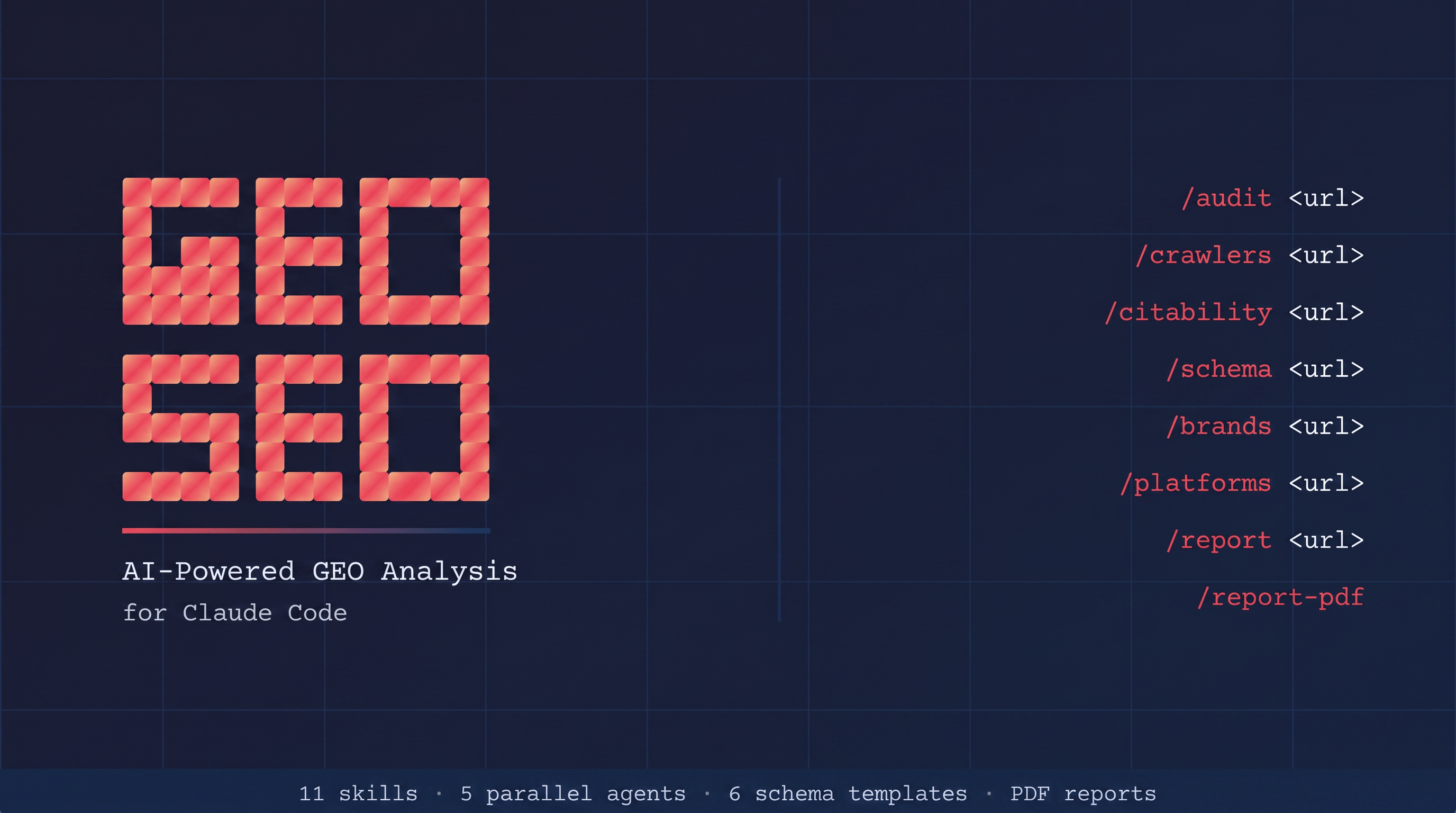
Claude가 우리 사이트를 알고 있는지 확인하기

Claude나 Perplexity 같은 AI 답변에서 우리 사이트가 어떻게 읽히는지 Claude Code로 점검하는 geo-seo-claude 스킬입니다. SEO 점수보다 답변 원문과 인용 가능성을 확인하는 흐름입니다.

유튜브 쇼츠 자동화 — 에이전트 오케스트레이션

소재 발굴부터 이미지·영상 생성, 자막, 합성, 유튜브 예약 업로드까지 14개 에이전트로 나눈 쇼츠 자동화 파이프라인입니다. 반복 포맷 콘텐츠에 적용할 수 있는 설계 예시입니다.

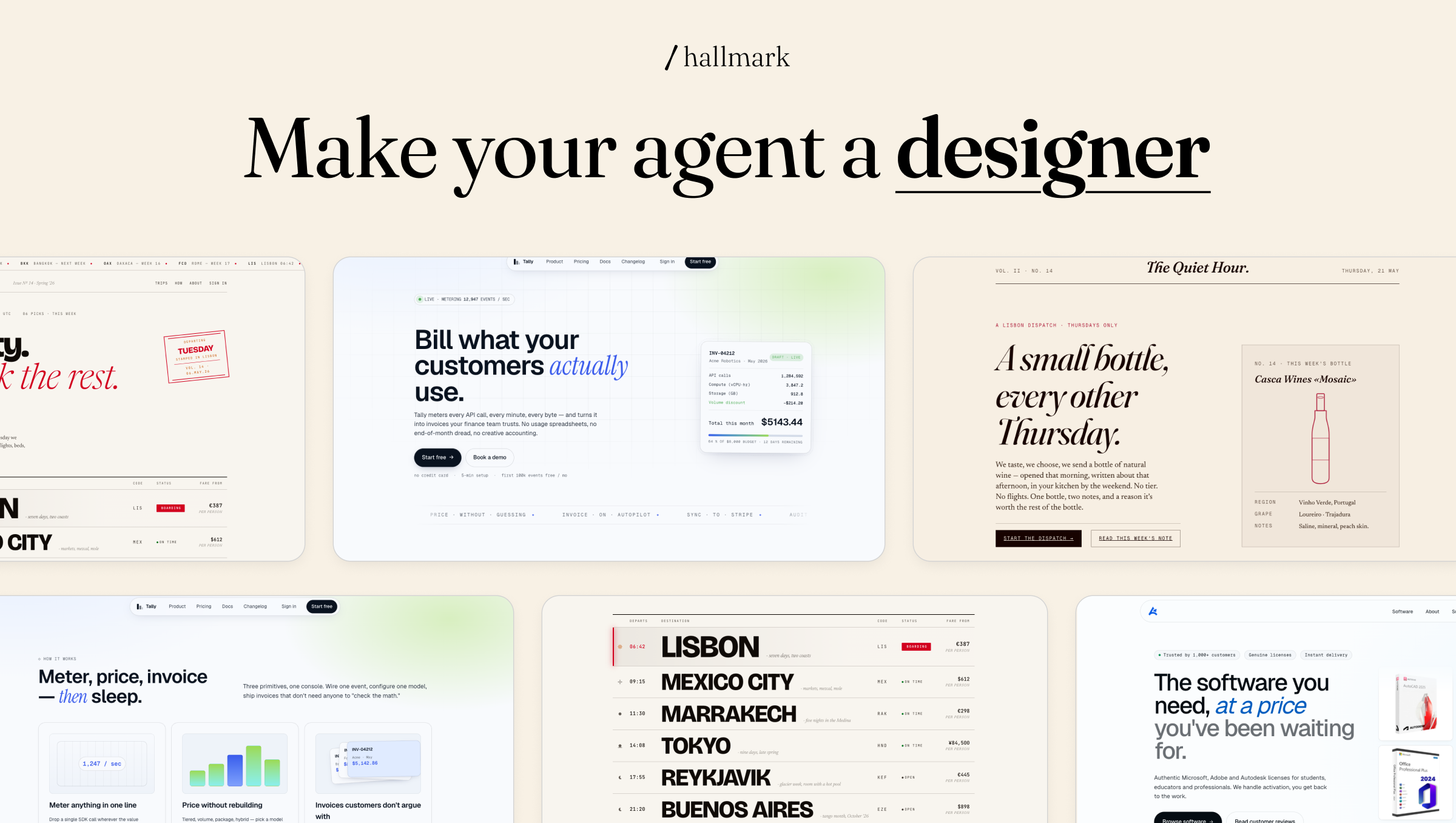
클로드코드로 PPT 작성하기

Claude 프로젝트에 PPT 디자인 기준을 넣어 같은 톤의 발표 자료를 반복 생성하는 방법입니다. getdesign.md를 그대로 복제하지 않고 업무용 슬라이드 규칙으로 바꾸는 흐름을 다룹니다.

Seedance 2.0 프롬프팅 지침서 (완전판)

Seedance 2.0으로 영상을 만들 때 필요한 프롬프트 구조, 레퍼런스 유지, 촬영 언어, 바이럴 포맷을 모은 긴 지침서입니다. 영상 모델을 실무에서 쓰기 위한 체크리스트에 가깝습니다.

강의22개 챕터
Chapter 0시작하기
0장. 이 책에 들어가기 전
Chapter 1시작하기
1장. Claude Code는 코딩 도구가 아닙니다
Chapter 2시작하기
2장. 터미널과 작업 폴더 준비하기
Chapter 3시작하기
3장. 설치와 첫 시작
Chapter 4시작하기
4장. 첫 작업은 읽기부터 시작합니다
Chapter 5업무 자동화
5장. 파일과 폴더 관리
Chapter 6업무 자동화
6장. 데이터 처리와 분석
Chapter 7업무 자동화
7장. 웹 리서치와 정보 수집
Chapter 8업무 자동화
8장. 문서 작성과 콘텐츠
Chapter 9업무 자동화
9장. PPT와 자료 제작
Chapter 10효율적으로 작업하기
10장. 효과적인 지시법
Chapter 11효율적으로 작업하기
11장. CLAUDE.md로 나만의 설정 만들기
Chapter 12효율적으로 작업하기
12장. Skills와 Hooks
Chapter 13효율적으로 작업하기
13장. 대화 관리와 비용 최적화
Chapter 14고급활용
14장. MCP로 외부 도구 연결하기
Chapter 15고급활용
15장. 복잡한 작업을 나누는 법
Chapter 16고급활용
16장. 팀 온보딩과 공유 기준
Chapter 17실전 워크플로우
17장. 월간 운영 리포트
Chapter 18실전 워크플로우
18장. 경쟁사 리서치
Chapter 19실전 워크플로우
19장. 회의록에서 실행 항목 만들기
Chapter 20실전 워크플로우
20장. 고객 문의와 후기 분석
Chapter 21실전 워크플로우
21장. 콘텐츠 제작과 발행 전 점검
새소식41개 업데이트
New
Pagecast, 보고서 파일을 링크로 공유하기

Pagecast는 Claude Code가 만든 HTML·Markdown 보고서를 Cloudflare Pages 링크로 발행해 공유하는 도구입니다. 파일 첨부 대신 웹 링크로 넘길 때의 절차와 주의점을 정리했습니다.

Ponytail: AI가 일을 크게 벌이지 않게 하기

Ponytail은 Claude Code가 작은 수정까지 과하게 키우지 않도록 ‘덜 만들고 덜 건드리는’ 기준을 붙이는 스킬입니다. lite/full/ultra 모드와 Hooks 확인 기준을 함께 봅니다.

agent-handoff: Claude Code와 Codex 사이에서 작업 넘기기

agent-handoff는 Claude Code와 Codex 사이에서 세션 맥락을 손으로 요약하지 않고 넘겨주는 도구입니다. 어떤 대화를 어떤 에이전트로 이어갈지만 고르면 작업 전환이 쉬워집니다.

Headroom: 긴 출력물을 Claude Code에 가볍게 넘기는 도구

Headroom은 Claude Code가 긴 로그나 실행 결과를 읽기 전에 먼저 압축해 넘기는 도구입니다. /compact와 달리 입력 단계의 컨텍스트 부담을 줄이는 선택지입니다.

Claude가 우리 사이트를 알고 있는지 확인하기

Claude나 Perplexity 같은 AI 답변에서 우리 사이트가 어떻게 읽히는지 Claude Code로 점검하는 geo-seo-claude 스킬입니다. SEO 점수보다 답변 원문과 인용 가능성을 확인하는 흐름입니다.

유튜브 쇼츠 자동화 — 에이전트 오케스트레이션

소재 발굴부터 이미지·영상 생성, 자막, 합성, 유튜브 예약 업로드까지 14개 에이전트로 나눈 쇼츠 자동화 파이프라인입니다. 반복 포맷 콘텐츠에 적용할 수 있는 설계 예시입니다.

클로드코드로 PPT 작성하기

Claude 프로젝트에 PPT 디자인 기준을 넣어 같은 톤의 발표 자료를 반복 생성하는 방법입니다. getdesign.md를 그대로 복제하지 않고 업무용 슬라이드 규칙으로 바꾸는 흐름을 다룹니다.

Seedance 2.0 프롬프팅 지침서 (완전판)

Seedance 2.0으로 영상을 만들 때 필요한 프롬프트 구조, 레퍼런스 유지, 촬영 언어, 바이럴 포맷을 모은 긴 지침서입니다. 영상 모델을 실무에서 쓰기 위한 체크리스트에 가깝습니다.

Figma MCP — 읽기에서 쓰기로

Figma MCP가 읽기 전용에서 use_figma 쓰기 도구로 확장되며 AI가 캔버스에 직접 프레임과 컴포넌트를 만들 수 있게 됐습니다. 디자인 결과물을 사람이 이어받는 흐름을 봅니다.

AI 에이전트 하네스 — 에이전트 격리와 오케스트레이션

복잡한 자동화를 하나의 거대한 에이전트에게 맡기지 않고, 독립 에이전트와 오케스트레이션으로 나누는 설계 관점입니다. 2026년형 AI 자동화의 기본 구조를 설명합니다.

Humanizer: AI 문장 냄새를 줄이는 글쓰기 스킬

Humanizer는 Claude가 만든 초안에서 AI 문장 냄새를 줄이기 위한 글쓰기 스킬입니다. 문체 샘플과 체크리스트를 넣어 퇴고 기준을 반복해서 적용하는 방식입니다.

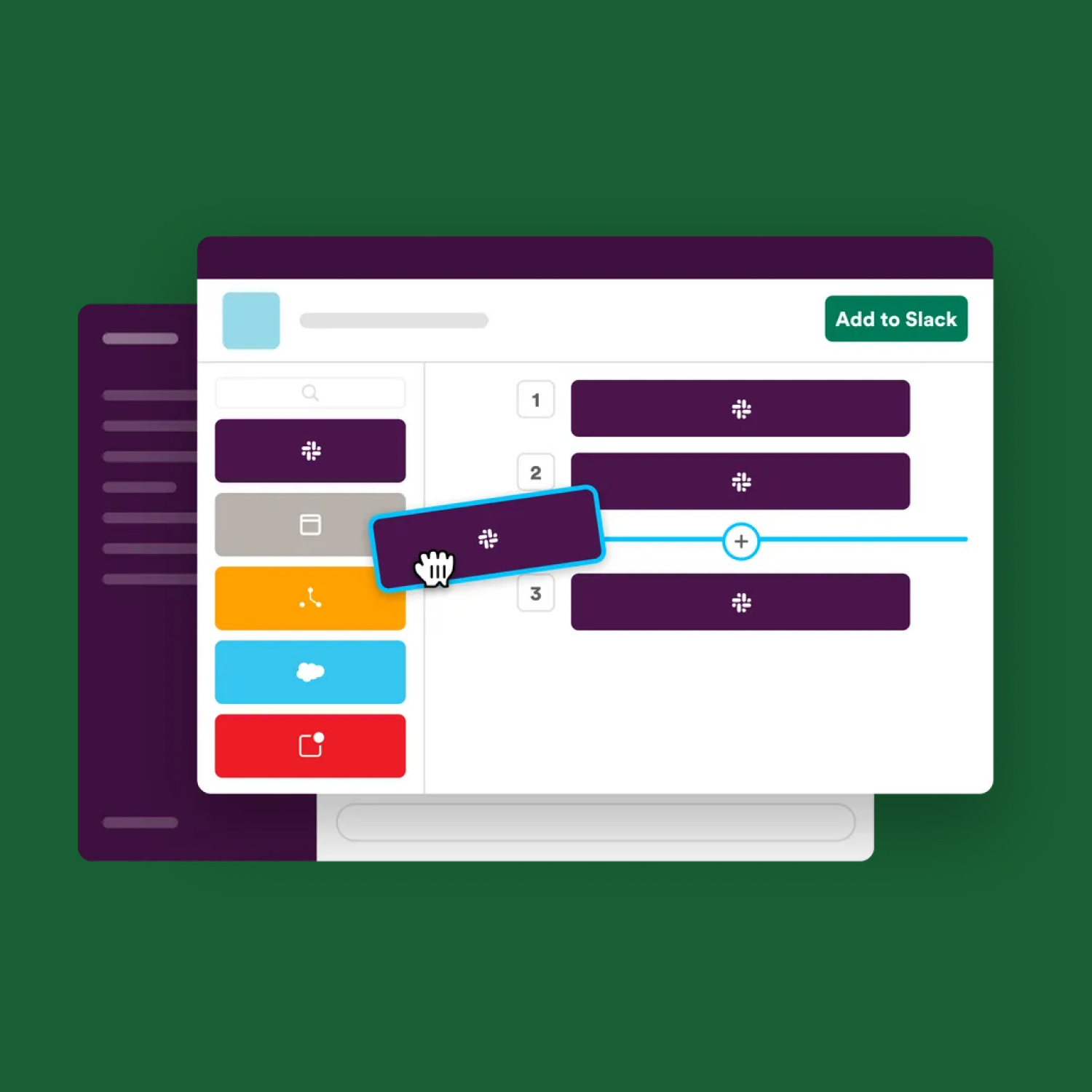
Claude Code로 옮기는 업무 자동화 9가지 흐름

메일 분류, 회의록 액션화, 슬랙 큐, 예산 시나리오, 슬라이드 초안 등 Claude Code로 옮길 수 있는 반복 업무 9가지를 한 번에 정리한 글입니다. 처음 자동화할 순서도 함께 잡습니다.

OpenShorts, 숏폼 제작을 내 컴퓨터에서 돌리는 방식

OpenShorts는 긴 영상을 숏폼으로 자르거나 AI UGC 영상을 만드는 셀프호스팅 도구입니다. 무료 오픈소스지만 Gemini, fal.ai, ElevenLabs 같은 외부 API 비용까지 함께 봐야 합니다.

Claude Code 작업 전 Git 안전망 만들기

Claude Code에게 일을 맡기기 전 Git으로 돌아갈 지점을 만드는 기본 흐름입니다. /rewind와 커밋의 역할을 나누고, 브랜치·워크트리는 큰 실험용 안전장치로 설명합니다.

Agent View — 여러 Claude Code 세션을 한 화면에서 보기

Agent View는 여러 Claude Code 세션을 한 화면에서 맡기고, 들여다보고, 다시 붙는 Research Preview 기능입니다. 병렬 작업을 직접 나눈 뒤 상태를 관리하는 방식에 가깝습니다.

웹 크롤링 - 사이트가 바뀌어도 어제 보던 정보를 놓치지 않습니다

Scrapling은 CSS 선택자나 XPath가 바뀌어도 예전에 찾던 가격·날짜·제목과 비슷한 요소를 다시 찾아 반복 수집을 이어가는 도구입니다. r.jina.ai와 반복 크롤링의 차이를 설명합니다.

Commands11개 명령어
Commands 전체 적용하기Claude Code CLI에 진입한 뒤 아래 문구를 복사해 붙여넣으면 됩니다.
CLAUDE.mdbrainstorming.mdproblem-solving.mdverify-before-done.mdexecuting-action-plans.mdparallel-tasks.mdreceiving-feedback.mdtask-planning.mdwriting-action-plans.mdextract-insights.mdhandoff.md
{파일경로}에 있는 CLAUDE.md 파일로 현재 프로젝트 루트의 CLAUDE.md를 교체해줘.
{파일경로}에 있는 brainstorming.md, problem-solving.md 등 나머지 .md 파일은 모두 ~/.claude/commands 폴더에 넣어줘. 폴더가 없으면 만들어줘. 같은 이름의 파일이 있으면 덮어쓰기 전에 먼저 물어봐줘.

CLAUDE.md

★★★★★Claude Code가 프로젝트에서 따라야 할 기본 작업 규칙과 운영 기준

# CLAUDE.md

## Think Before Coding

Don't assume. Don't hide confusion. Surface tradeoffs.

- State your assumptions explicitly.
- If uncertain, ask.
- If something is unclear, stop. Name what's confusing. Ask.
- For meaningful choices, explain the tradeoff before choosing.
- For minor choices, pick a reasonable default and continue.

## Simplicity First

Minimum code that solves the problem. Nothing speculative.

- No features beyond what was asked.
- No abstractions for single-use code.
- No speculative configuration.
- No compatibility layers unless explicitly requested.
- If the solution is much larger than the problem, simplify it.

## Surgical Changes

Touch only what you must. Clean up only your own mess.

- Every changed line should trace directly to the user's request.
- Don't refactor things that aren't broken.
- Don't reformat unrelated code.
- Don't rename unrelated symbols.
- Match existing style, even if you'd do it differently.
- Remove only dead code created by your ow

brainstorming

★★★★★아이디어를 구체적 계획으로 발전시킬 때. 프로젝트 기획, 전략 수립, 새로운 아이디어 탐색 전 사용

---
name: brainstorming
description: "You MUST use this before any creative work - creating features, building components, adding functionality, or modifying behavior. Explores user intent, requirements and design before implementation."
---

# Brainstorming Ideas Into Designs

Help turn ideas into fully formed designs and specs through natural collaborative dialogue.

Start by understanding the current project context, then ask questions one at a time to refine the idea. Once you understand what you're building, present the design and get user approval.

<HARD-GATE>
Do NOT invoke any implementation skill, write any code, scaffold any project, or take any implementation action until you have presented a design and the user has approved it. This applies to EVERY project regardless of perceived simplicity.
</HARD-GATE>

## Anti-Pattern: "This Is Too Simple To Need A Design"

Every project goes through this process. A todo list, a single-function utility, a config change — all of them. "S

problem-solving

★★★★★버그나 예상치 못한 동작을 원인부터 추적해야 할 때 사용

---
name: problem-solving
description: Use when encountering any bug, test failure, or unexpected behavior, before proposing fixes
---

# Systematic Problem Solving

## Overview

Random fixes waste time and create new bugs. Quick patches mask underlying issues.

**Core principle:** ALWAYS find root cause before attempting fixes. Symptom fixes are failure.

**Violating the letter of this process is violating the spirit of debugging.**

## The Iron Law

```
NO FIXES WITHOUT ROOT CAUSE INVESTIGATION FIRST
```

If you haven't completed Phase 0 and Phase 1, you cannot propose fixes.

## When to Use

Use for ANY technical issue:
- Test failures
- Bugs in production
- Unexpected behavior
- Performance problems
- Build failures
- Integration issues

**Use this ESPECIALLY when:**
- Under time pressure (emergencies make guessing tempting)
- "Just one quick fix" seems obvious
- You've already tried multiple fixes
- Previous fix didn't work
- You don't fully understand the issue

**Don't skip when

verify-before-done

★★★★★완료를 말하기 전 테스트, 타입체크, 빌드 등 검증 증거가 필요할 때 사용

---
name: verify-before-done
description: Use when about to claim work is complete, fixed, or passing, before committing or creating PRs - requires running verification commands and confirming output before making any success claims; evidence before assertions always
---

# Verify Before Done

## Overview

Claiming work is complete without verification is dishonesty, not efficiency.

**Core principle:** Evidence before claims, always.

**Violating the letter of this rule is violating the spirit of this rule.**

## The Iron Law

```
NO COMPLETION CLAIMS WITHOUT FRESH VERIFICATION EVIDENCE
```

If you haven't run the verification command in this message, you cannot claim it passes.

## The Gate Function

```
BEFORE claiming any status or expressing satisfaction:

1. IDENTIFY: What command proves this claim?
2. RUN: Execute the FULL command (fresh, complete)
3. READ: Full output, check exit code, count failures
4. VERIFY: Does output confirm the claim?
   - If NO: State actual status with

executing-action-plans

★★★★작성된 실행 계획을 검토하고 단계별로 구현할 때 사용

---
name: executing-action-plans
description: Use when you have a written implementation plan to execute in a separate session with review checkpoints
---

# Executing Action Plans

## Overview

Load plan, review critically, execute all tasks, report when complete.

**Announce at start:** "I'm using the executing-plans skill to implement this plan."

**Note:** Tell your human partner that Superpowers works much better with access to subagents. If subagents are available, use `subagent-driven-development` instead of this command. If they are unavailable, execute inline with checkpoints.

## The Process

### Step 1: Load and Review Plan
1. Read plan file
2. Review critically - identify any questions or concerns about the plan
3. If concerns: Raise them with your human partner before starting
4. If no concerns: Create todos for the plan items and proceed

### Step 2: Execute Tasks

For each task:
1. Mark as in_progress
2. Follow each step exactly (plan has bite-sized steps)
3. Run verific

parallel-tasks

★★★★서로 독립적인 여러 작업을 나누어 동시에 진행할 때 사용

---
name: parallel-tasks
description: Use when facing 2+ independent tasks that can be worked on without shared state or sequential dependencies
---

# Parallel Tasks

## Overview

You delegate tasks to specialized agents with isolated context. By precisely crafting their instructions and context, you ensure they stay focused and succeed at their task. They should never inherit your session's context or history — you construct exactly what they need. This also preserves your own context for coordination work.

When you have multiple unrelated failures (different test files, different subsystems, different bugs), investigating them sequentially wastes time. Each investigation is independent and can happen in parallel.

**Core principle:** Dispatch one agent per independent problem domain. Let them work concurrently.

## When to Use

```dot
digraph when_to_use {
    "Multiple failures?" [shape=diamond];
    "Are they independent?" [shape=diamond];
    "Single agent investigates all" [sha

receiving-feedback

★★★★코드 리뷰나 피드백을 받았을 때 성급히 반영하지 않고 검토할 때 사용

---
name: receiving-feedback
description: Use when receiving code review feedback, before implementing suggestions, especially if feedback seems unclear or technically questionable - requires technical rigor and verification, not performative agreement or blind implementation
---

# Receiving Feedback

## Overview

Code review requires technical evaluation, not emotional performance.

**Core principle:** Verify before implementing. Ask before assuming. Technical correctness over social comfort.

## The Response Pattern

```
WHEN receiving code review feedback:

1. READ: Complete feedback without reacting
2. UNDERSTAND: Restate requirement in own words (or ask)
3. VERIFY: Check against codebase reality
4. EVALUATE: Technically sound for THIS codebase?
5. RESPOND: Technical acknowledgment or reasoned pushback
6. IMPLEMENT: One item at a time, test each
```

## Forbidden Responses

**NEVER:**
- "You're absolutely right!" (explicit instruction-file violation)
- "Great point!" / "Excellent 

task-planning

★★★★요구사항이 넓거나 실행 전 계획이 필요할 때. 목표, 범위, 리스크를 먼저 정리

---
name: task-planning
description: Use when work has multiple steps, unclear requirements, meaningful risk, or several possible approaches and execution should wait for explicit confirmation.
---

# Task Planning

Plan before acting. Restate the goal, define success, surface tradeoffs, identify risks, and wait for explicit approval before executing.

## When to Use

- Starting a new project or initiative
- Work that involves multiple steps or people
- Requirements are unclear or ambiguous
- Multiple approaches are possible
- High stakes (presentation, launch, campaign, report)
- You need a lightweight plan, not a full implementation spec

## The Process

1. **Restate Requirements** - Clarify what needs to be accomplished in your own words.
2. **State Assumptions** - Name defaults you are choosing and uncertainties that remain.
3. **Define Success Criteria** - What proves this is done? Include verification method.
4. **Compare Approaches** - For meaningful choices, present 2-3 options

writing-action-plans

★★★★확정된 요구사항을 실행 가능한 작업 계획으로 쪼갤 때 사용

---
name: writing-action-plans
description: Use when you have a spec or requirements for a multi-step task, before touching code
---

# Writing Action Plans

## Overview

Write comprehensive implementation plans assuming the engineer has zero context for our codebase and questionable taste. Document everything they need to know: which files to touch for each task, code, testing, docs they might need to check, how to test it. Give them the whole plan as bite-sized tasks. DRY. YAGNI. TDD. Frequent commits.

Assume they are a skilled developer, but know almost nothing about our toolset or problem domain. Assume they don't know good test design very well.

**Announce at start:** "I'm using the writing-plans skill to create the implementation plan."

**Context:** If working in an isolated worktree, it should have been created via the `superpowers:using-git-worktrees` skill at execution time.

**Save plans to:** `docs/superpowers/plans/YYYY-MM-DD-<feature-name>.md`
- (User preferences for pl

extract-insights

★★★반복해서 쓸 만한 작업 패턴이나 교훈을 세션 끝에 정리할 때 사용

---
name: extract-insights
description: Use after a non-trivial session reveals a reusable workflow, failure pattern, decision rule, or tool combination worth preserving for future work.
---

# Extract Insights

Capture reusable lessons from a session so future work starts with evidence instead of rediscovery.

## When to Use

Run this near the end of a session when:

- A problem took multiple attempts to solve.
- A non-obvious workflow or tool combination worked.
- A failure pattern should be avoided next time.
- A decision framework emerged from tradeoffs.
- The insight applies across projects, not only to one incident.

Do not extract trivial steps, one-off outage details, or facts already documented in project instructions.

## Insight Selection

Pick one insight per note. A good insight has:

- **Trigger:** when a future agent should remember it.
- **Pattern:** what to do or avoid.
- **Evidence:** what happened that proves the pattern matters.
- **Boundary:** when not to apply it.

handoff

★★★세션을 이어가야 하거나 다른 작업자에게 맥락을 넘겨야 할 때 사용

---
name: handoff
description: Use when context is getting full, a session needs to continue elsewhere, or plan execution must be resumed later without losing state.
---

# Handoff - Session Transfer

Create a compact, actionable transfer note so a new session can continue without rediscovering decisions, files, blockers, or plan progress.

## When to Use

- Context is getting heavy or compaction is likely.
- You need to stop but want the next session to continue.
- Work is mid-plan and task status matters.
- A different person or agent will pick up the work.

## The Rule

The next session needs operational state, not a diary. Capture what changed, what is true now, what remains, and the exact first next action.

## What to Capture

1. **Objective** - the user's end goal, not just the last task.
2. **Working directory** - absolute path and target repo/project.
3. **Active plan** - path to the plan/spec if one exists, plus completed and remaining tasks.
4. **Git state** - branch, latest